Orynt
A dark, futuristic landing page for an NLP-powered crypto trading assistant that analyses sentiment and automates strategies.
Visit live site (opens Orynt in a new tab)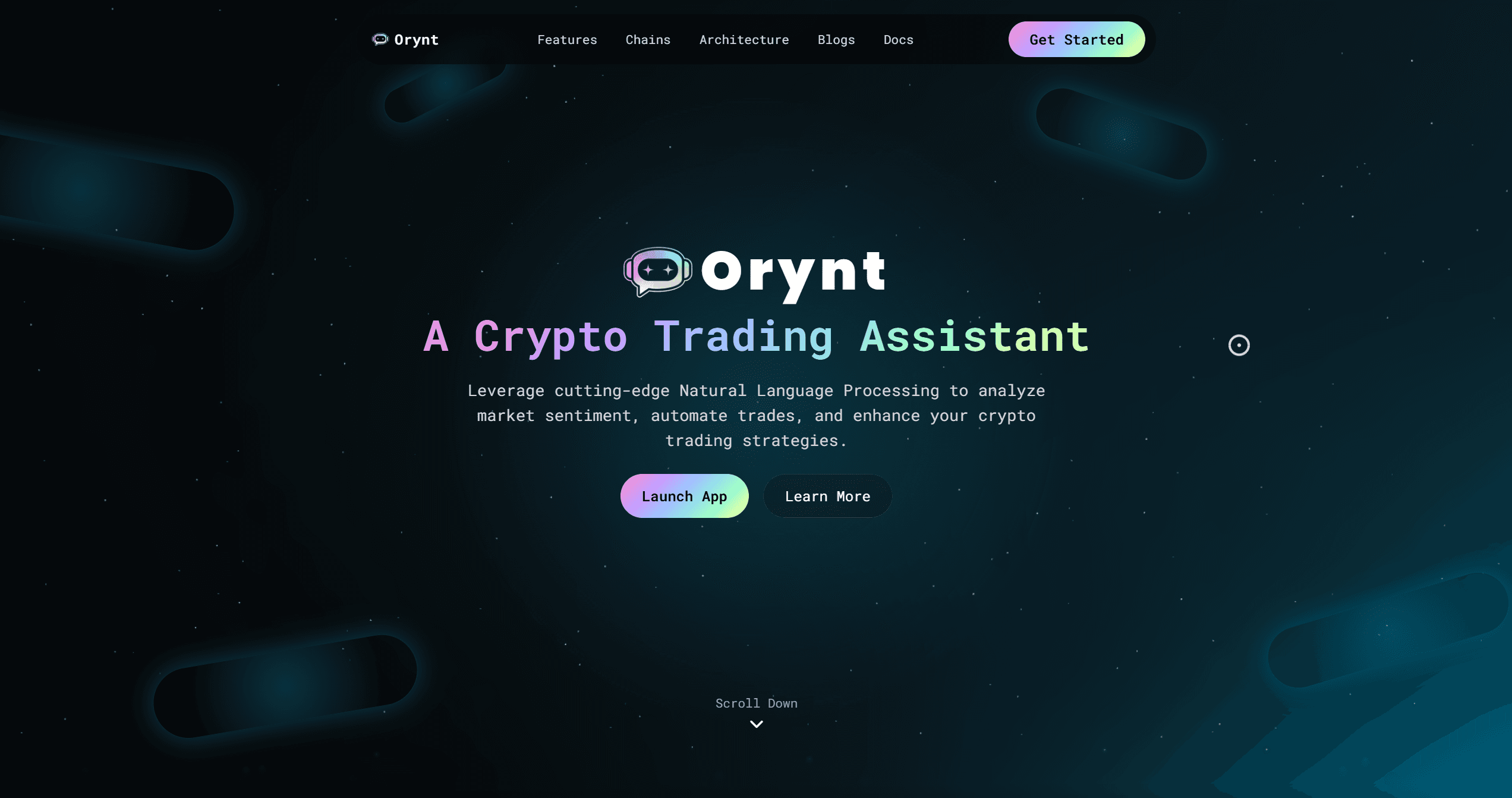
- Web Developer
Overview
Orynt is a crypto trading assistant that uses natural language processing and machine learning to analyse market sentiment, automate trades and support strategy building. The product is aimed at traders who want automation and analytics, and its FAQ says it suits both beginners and advanced users with no coding required. This is its marketing landing page.
The brief
A trading tool asks users to trust it with money, so the landing page has to feel serious, technical and trustworthy while staying easy to understand:
- Explain a complex AI product in one headline: "A Crypto Trading Assistant".
- Show exactly what it can do, feature by feature.
- Make the workflow concrete with a short step-by-step guide.
- Show which chains and exchanges are supported.
- Answer the cautious questions in an FAQ before they become reasons not to sign up.
What the page covers
Six core features:
- Auto Strategy Composer creates, tests and deploys strategies from plain-English descriptions.
- Sentiment Engine analyses social feeds, on-chain chatter and news.
- Risk Guard provides automatic stop-losses, dynamic position sizing and portfolio-level risk limits.
- Pro API and Webhooks give programmatic access, webhooks and streaming feeds.
- Cross-Chain Oracles aggregate price feeds and events across chains.
- Paper Trading Lab supports simulation with historical replay and walk-forward validation.
How it works. A four-step guide from connecting to running a strategy.
Supported chains and exchanges. Ethereum, Binance Smart Chain and Polygon, with more planned, plus named exchange support in the FAQ.
Architecture. A diagram of the five components (AI-driven signals, cross-chain analytics, Pro API, strategy composer and Risk Guard) shows how the pieces fit together.
Testimonials, About and FAQ, finishing with a launch call to action.
Design notes
A near-black starfield with soft, glowing capsule shapes sets a futuristic tone. Monospaced type and pastel gradient accents on the headline words and the primary button make it feel like a trading terminal while staying friendly. A subtle "Scroll Down" cue guides visitors into the feature sections, and a custom cursor ring adds a touch of polish.
What to look for on the live site
- The gradient headline and the Launch App and Learn More pair of actions.
- The way six features are broken into scannable blocks instead of one long description.
- The architecture diagram, which turns an abstract AI product into something concrete.